
 Back
BackEmail Address
An Email Address question provides one single-line text entry field for a single Email Address.
The response entered is automatically checked that the entry is in the format of an email address.
If you want to collect several pieces of related information - for example, a street name, town and postcode - we recommend you use the Multiple Textboxes question type.
Creating Email Address Questions
To create your single textbox question:
- Click Add Question on your survey.
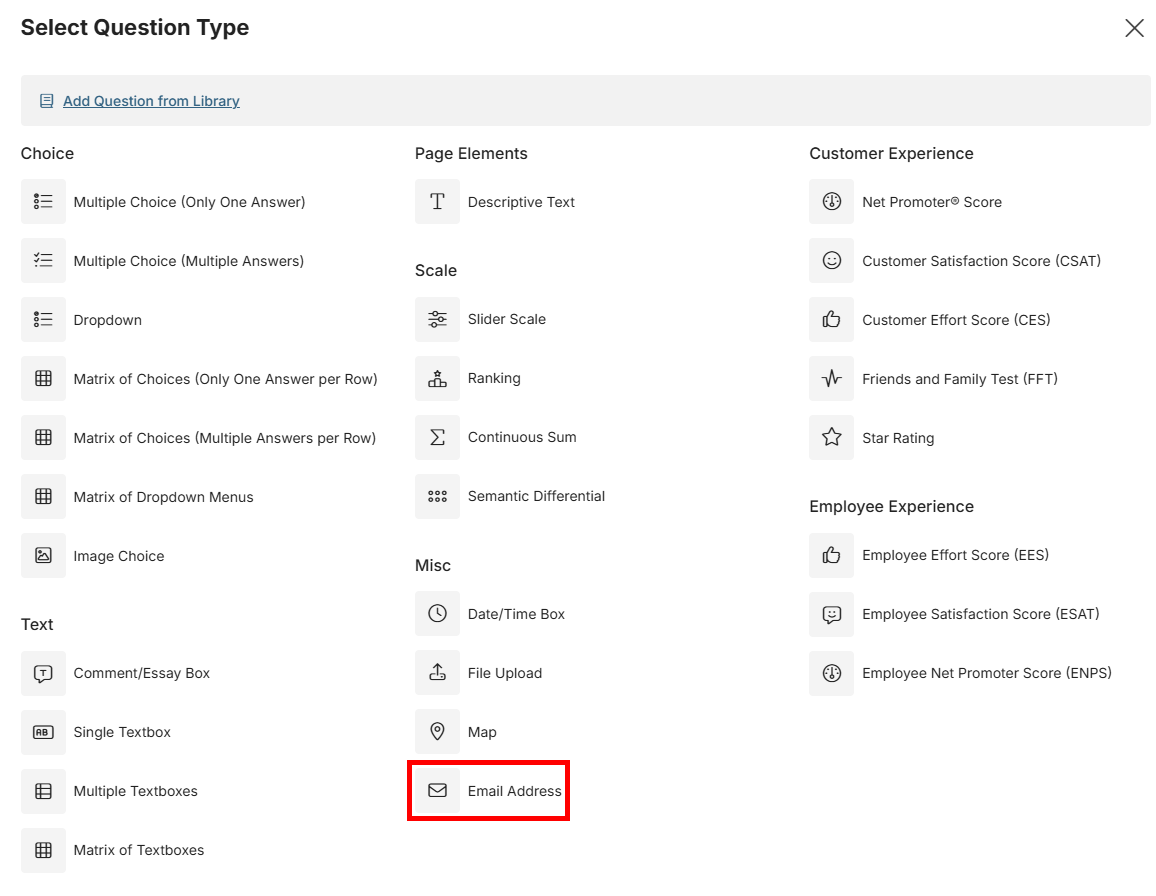
- From the menu, select Email Address.
- Type your question in the Question field.
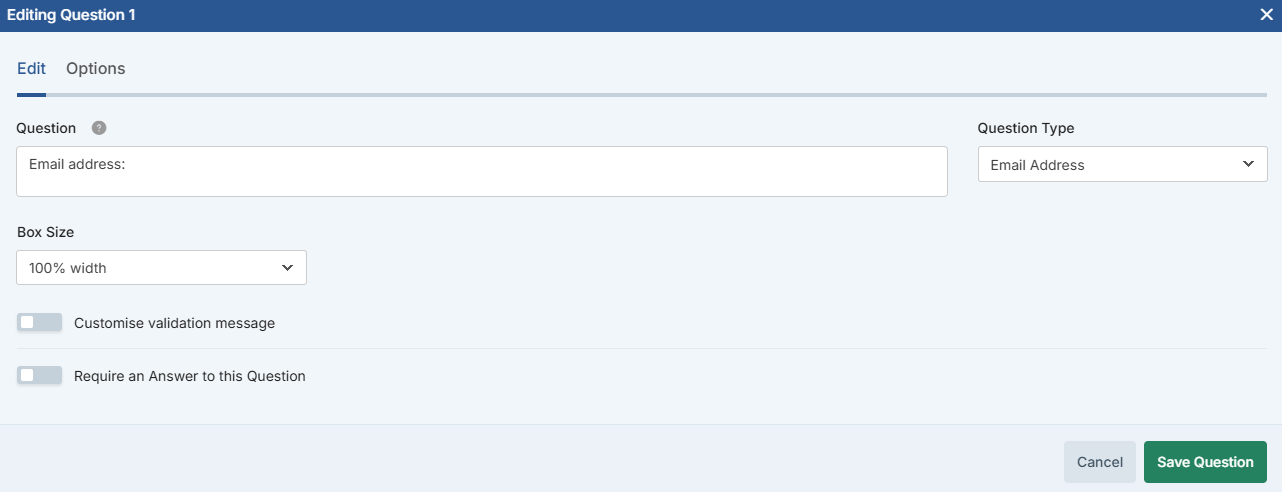
- Click the green Save Question button to add the question to your survey.
Customizing Single Textbox Questions
When you build a single textbox question, you can customize it with the following additional fields and options:
| Box Size | Specify the width of the text entry field. |
| Require an Answer to this Question | Forces the respondent to provide an answer before they can progress to the next page. |
| Customize validation message | Email address questions are always set to validate the response as an email address, and you can change the text shown when a response fails validation via this option. |